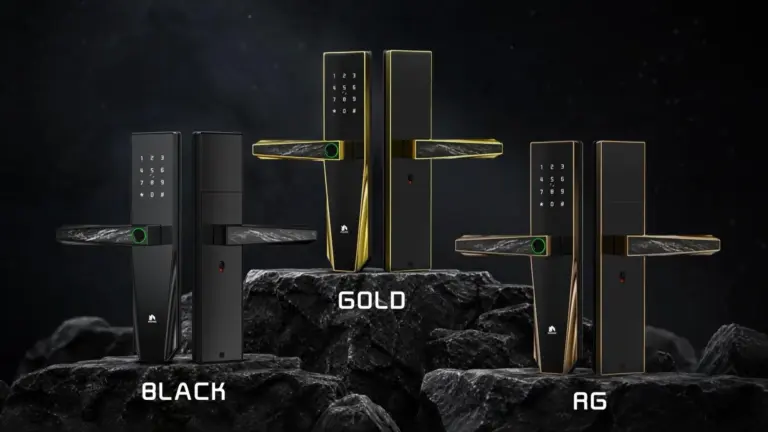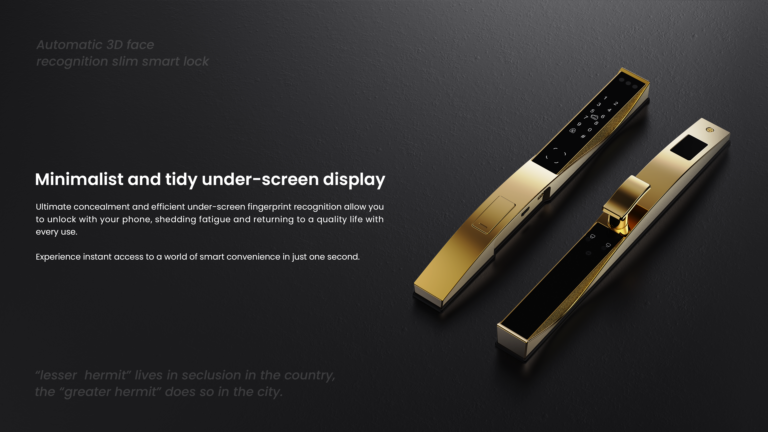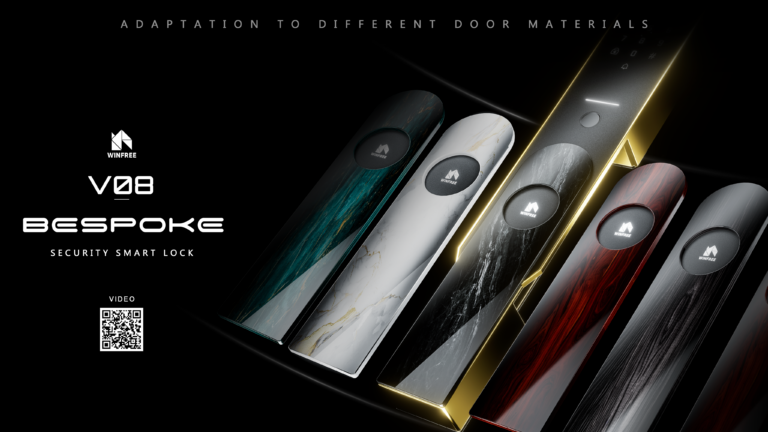

Swapping a mechanical lock for a smart lock can be a great upgrade in terms of security and convenience. Here’s a step-by-step guide to help you through the process.
- Choose the Right Smart Lock:
- Make sure the smart lock is compatible with your door:lock body size and function.
- Consider the features: key, card, digital, fingerprint, Face, Intercom. ect.
- Consider the network: Bluetooth or Wifi.
- Gather Tools:
- A screw driver.
- The new smart lock and its installation kit (should come with instructions)
- Tape measure (optional, to check measurements)
- Remove the Existing Mechanical Lock:
- Remove the old lock: Start by removing the screws that hold the lock and deadbolt in place. Keep the screws for future use (in case you want to switch back).
- Take out the lock and lock body: Once unscrewed, carefully remove the components.
- Prepare the Door:
- Check if the smart lock needs any adjustments to the door hole (sometimes the smart lock’s mounting plate or lock body may not fit exactly, and you may need to adjust the hole size slightly).
- Use a tape measure to make sure the new lock will align properly with the strike plate.
- Install the Smart Lock:
- Mount the smart lock’s exterior part: Line it up with the hole and screw it into place.
- Install the interior part: The inside part of the lock (where the keypad or control panel is) will typically attach to the same screws as the old lock.
- Follow the smart lock’s instructions carefully, as it may come with specific features, like batteries or an app setup.
- Set Up the App (if applicable):
- Download the correct app (if it uses one).
- Follow the prompts in the app to connect the lock to your Wi-Fi or Bluetooth network.
- Set up any keyless entry codes, fingerprints, or temporary access features, depending on the lock.
- Test the Lock:
- Test both manual and smart functions: Locking, unlocking, remote access (via app), and any other features.
- Adjust any settings, like auto-lock timers or notifications.
- Finishing Touches:
- Recheck the screws and ensure everything is tightly secured.
- Dispose of your old lock properly if you’re not reusing any parts.
A Couple of Things to Keep in Mind:
- Battery life: Make sure the smart lock uses replaceable batteries and keep track of when they need changing.
- Backup keys: all smart locks include a traditional key, which is handy in case of technology failure.
- Compatibility: Check if the lock integrates with your home automation system or voice assistants if that’s important to you.